Calibrating Copilot Ep. 6: A 90-Second Explainer Video for Under $15?

For Episode 6 of Calibrating Copilot, Dino Caputo suggested a use case I had not considered: creating a short explainer video. We tested Copilot, Copilot in PowerPoint, and Cowork at Light, Medium, Extra High, and Max.
The prompt
We asked for a 90-second explainer video describing the different Copilot licenses, Copilot Chat, Microsoft 365 Copilot, and Cowork, including the capabilities and limitations of each. It should be fun, engaging, and animated, with a natural-sounding talk track and captions in case someone watches without audio. We kept it short and let each Copilot interpret the rest.
Copilot: voiceovers are the problem
Copilot (using Auto) could not complete the task. Its text-to-speech tools were blocked, and the only voice available was a robotic eSpeak voice that it rightly said did not meet our brief. Its suggestion: it would write the talk track, Dino would record it, and it would merge the two. Dino recorded the narration in Audacity, but because Copilot cannot accept audio uploads directly, he had to embed the audio in a PowerPoint file to get it back to Copilot. It then synced his voice to the visuals. It worked, but it took a lot of back and forth.
Copilot's experimental Advanced Reasoning mode wrote Python (as it always seems to) and produced a video that was precisely 89.98 seconds long. Unfortunately, it used whatever narrator voice was available on the device, sounded like a Speak and Spell, and looked just as dated.
Copilot in PowerPoint, with help from Cowork
Copilot in PowerPoint asked several clarifying questions and then produced an auto-advancing, captioned slideshow. It could not generate audio, and it could not invoke Cowork. So I handed the deck to Cowork and asked it to add voiceovers using the narration in the speaker notes. From there, PowerPoint's File > Export to video created an MP4. The animations were basic, but the advantage is that you can easily edit the slides when the content changes. Total time was about 10 minutes; the Cowork portion took 6 minutes and 42 seconds and $0.82 in credits. Three stars for both accuracy and completeness.
Cowork Light: you get what you pay for
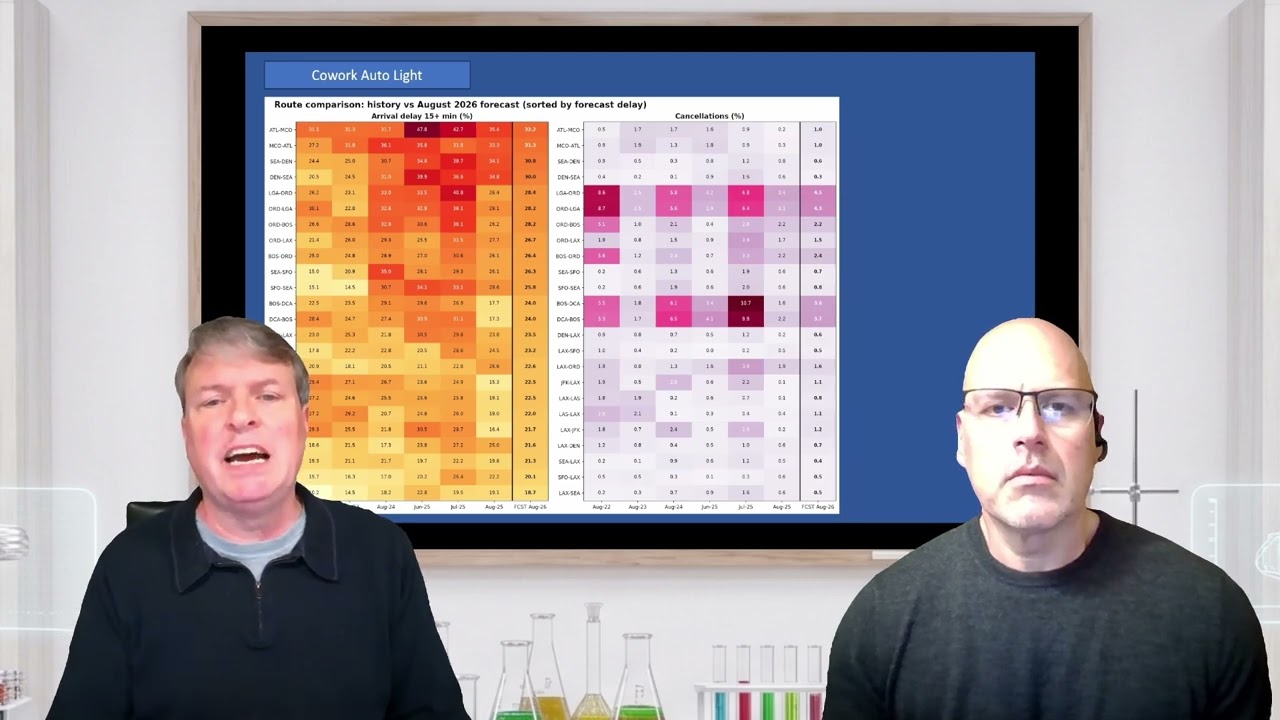
Cowork Light finished in 2 minutes and 34 seconds for just $0.47, but it created an HTML page with JavaScript rather than an MP4. It relied on the browser's built-in voice, so it sounded different on every device: male on one playback, female on another. Captions drifted out of sync, narration was cut off at slide transitions, and it mispronounced words, at one point wishing viewers 'happy copy loading.' On my phone, Cowork became 'cow-work.'
Cowork Medium and above: a major jump in quality
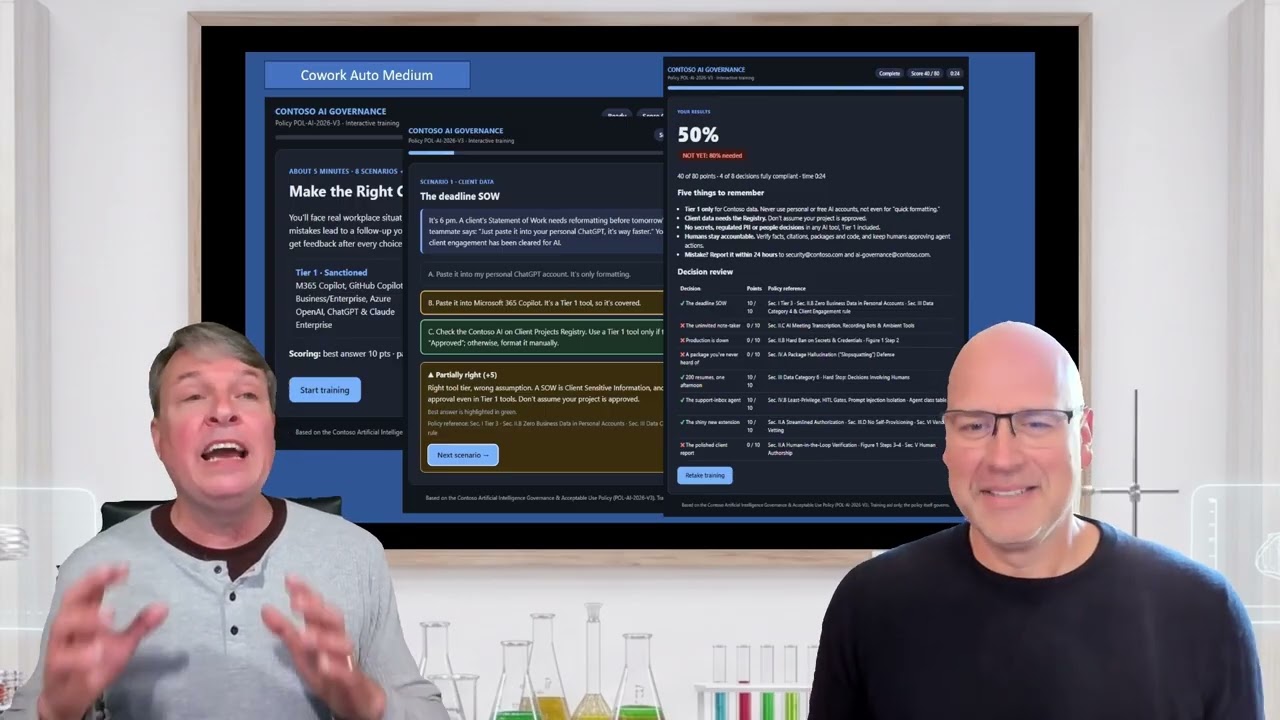
Moving to Cowork Medium changed everything. The voiceover sounded natural, the transitions were smooth, and the content was accurate, all from a single prompt and at a small fraction of the cost of Max. We gave it five stars for accuracy and four for completeness.
Cowork Extra High was terrific. It used a memorable analogy: Copilot Chat hands you a recipe, Microsoft 365 Copilot cooks with what is in your fridge, and Cowork caters the whole party. It deliberately omitted pricing so the video would not go out of date and added a small disclaimer noting that licensing details were current as of October 2026. Frankly, it explained the differences far better than I managed when my wife asked me.
Cowork Max took 53 minutes and $14.43 in credits and earned five stars across the board. It framed the three options as video game levels, complete with sound effects. Its thinking showed remarkable attention to detail: it calculated that a natural narration pace for a fun tone is roughly 220 to 240 words, and it adjusted speech speed on individual slides by 2% to 13% to hit the timing exactly. The only flaw we noticed was a slightly odd pause in 'Microsoft 365.' Dino also asked for a hand-sketched line art style in one run, a good illustration of how easily you can steer the visual look.
Is Max worth it?
Max was not five times better than Medium, and Extra High was not two or three times better either. Dino felt Extra High offered the best bang for the buck. My view: at under $15, even Max is a steal. Producing something comparable through an agency would easily cost more than $1,000, and since you can start the task and walk away, the extra time matters less.
Our recommendation
If you need an explainer video, use Cowork at Medium or above. Copilot cannot yet create voiceovers on its own, Copilot in PowerPoint is a decent option if you want something easily editable, and Cowork Light is not worth the savings. A product demo, onboarding overview, or internal announcement could all be produced this way for a few dollars.
Some tasks need Cowork. Many do not.
This was a use case where only Cowork delivered real value. In other episodes, the included Microsoft 365 Copilot was the clear winner. Knowing which tasks, and which people, actually need Cowork and AI credits is the key to getting a return on your Copilot investment.
That is exactly what our Copilot Calibration service is built to solve. Using your existing Microsoft 365 usage data, we deliver person-by-person recommendations: who should get a Microsoft 365 Copilot license, which licenses should be reassigned, where Cowork makes sense, and where targeted training would pay off. It is fixed-price and requires minimal effort from your team.