Calibrating Copilot Ep. 3: More Cowork Effort Does Not Mean a Better Answer

Microsoft recently added an effort slider to Cowork with five settings: Light, Medium (the default), High, Extra High, and Max. Choose Max and the interface lights up in rainbow colors, a not-so-subtle hint that you are about to spend a lot of AI credits. For Episode 3 of Calibrating Copilot, Dino Caputo and I put every setting through its paces, with the Researcher and Analyst agents as bonus contenders.
The test: an executive wildfire dashboard
We gathered 24 Excel files containing Canadian wildfire and climate data covering 2025 and 2026 to date, stored them in SharePoint, and asked Cowork to analyze the relationship between wildfire frequency, area burned, province, temperature trends, and precipitation patterns. Specifically, we asked it to identify:
The provinces with the largest increases
Outlier years
Evidence of climate-related trends
Potential future risk areas
Whether 2026 is far worse for fires, and why or why not
The deliverable was an executive dashboard in Excel that highlighted the most important findings and conclusions.
The results
Cowork High came out on top. It delivered strong accuracy and completeness; at one point it made a slightly stronger statement than the data warranted, but it was not wrong. Cowork Max also produced excellent results, but it took about twice as long and cost about twice as much.
Extra High got the answer completely wrong
The most surprising result came from Cowork Extra High, which cost about $13 and landed at the bottom of our scoreboard with two stars for accuracy. The 2025 and 2026 files contained some overlapping months. Every other setting, including Light, recognized the duplication. Extra High did not.
As a result, it concluded that wildfires in British Columbia were down 36% when they were actually up more than 1,000%. The worst part? The spreadsheet looked fantastic. Had we only run Extra High, we would have confidently told the fire chief that BC was fine.
How we verified the results
These spreadsheets were sophisticated enough, with methodology tabs and correlation statistics, that simply eyeballing them was not enough. So we fed all the outputs into other AI tools, including Claude, Gemini, Cowork, and ZoomMate, and asked them to identify where the results differed. ZoomMate delivered my favorite line of the episode: in executive reporting, accuracy must come before ambition. Extra High had plenty of ambition.
Researcher and the dashboards
The Researcher agent, included with the Microsoft 365 Copilot license with no AI credits required, produced the most visual result, with color and real charts (the only one that included proper graphs, although some labels were off). It clearly answered whether 2026 was worse. However, for no apparent reason, it left the provincial scorecard tab blank, even though its totals were correct.
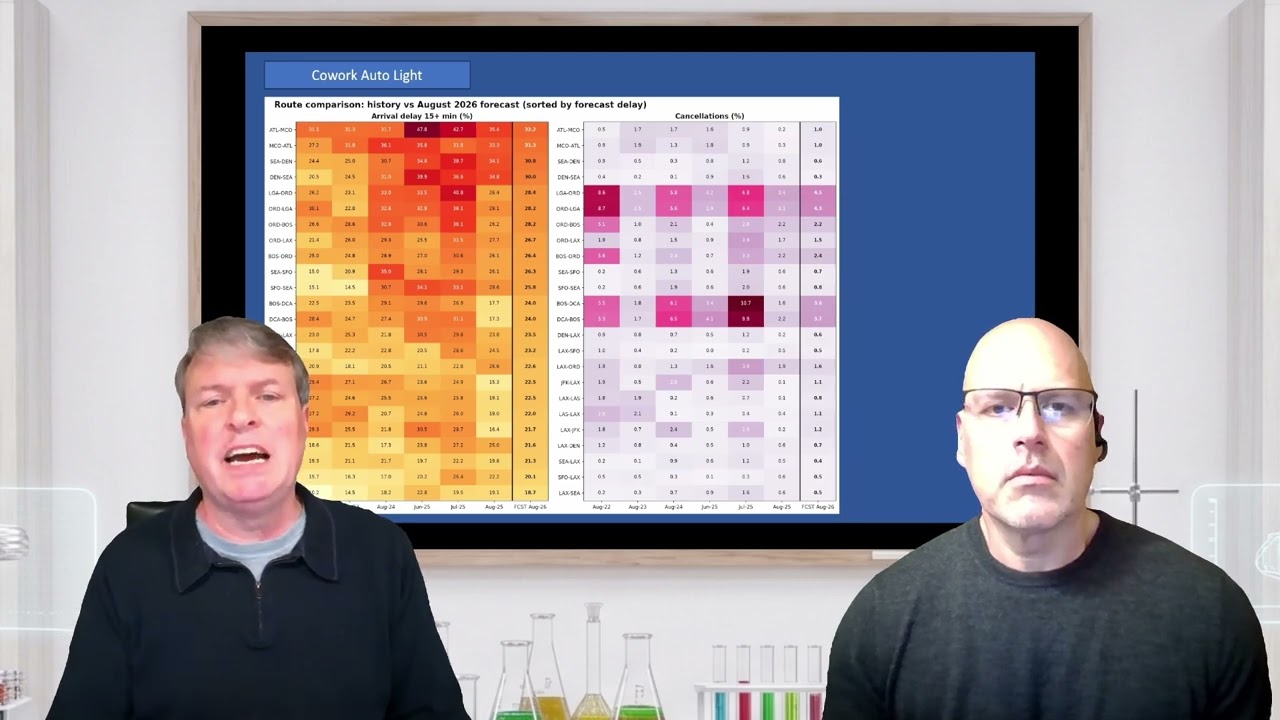
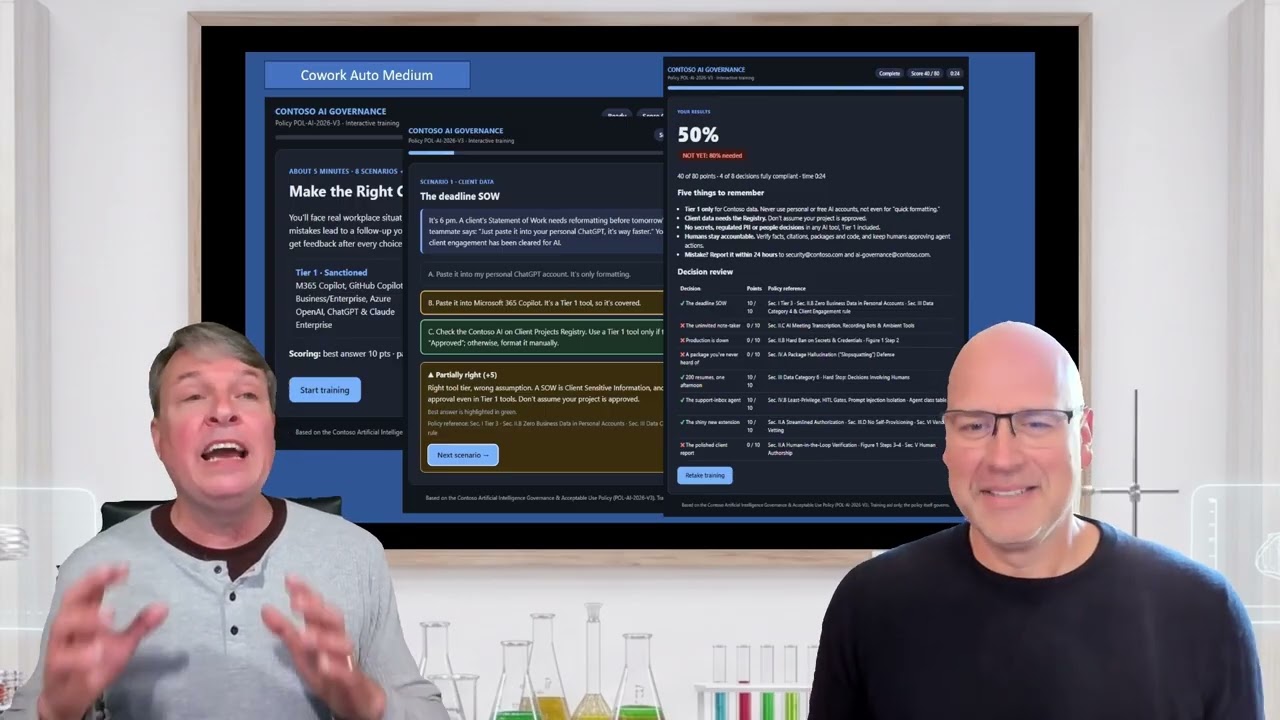
Looking across the dashboards, each setting was good at something. Max had a well-written verdict but a change column that was not formatted as a percentage and a bit of an eye chart overall. High was clean and simple, with directional coloring that Dino liked; sometimes less is more. Light was functional but had minimal formatting and cells that needed resizing.
Why more effort is not always better
Dino's theory is that this data set, while large, was not especially complex. More intertwined data, such as financial tick data or health data, might justify higher effort settings, and we plan to test that in a future episode. Importantly, the effort settings do not automatically scale down: choose Max and Cowork will spend Max-level effort even when Light would suffice.
Run important tasks more than once
We only caught the Extra High error because we ran six different tests and asked AI to compare them. If you are using AI for serious analysis, running the same task through multiple settings or models is one of the most effective ways to surface errors that would otherwise be nearly impossible to spot.
As a final footnote, we also tried the Analyst agent. It enthusiastically wrote Python code, took a while, and produced nothing of value. We are still looking for the right use case for Analyst.
Key takeaways
Do not automatically reach for Max. More compute, more time, and more AI credits do not guarantee a better result.
A polished result is not necessarily an accurate result.
For important analysis, run the task more than once and compare.
Spending more does not guarantee more value
This episode showed that a higher setting and a bigger AI credit bill do not automatically produce a better outcome. The same is true for Copilot licensing across an organization: assigning the most expensive option to everyone does not guarantee results, while under-licensing the right people leaves value on the table.
That is exactly what our Copilot Calibration service is built to solve. Using your existing Microsoft 365 usage data, we deliver person-by-person recommendations: who should get a Microsoft 365 Copilot license, which licenses should be reassigned, where Cowork makes sense, and where targeted training would pay off. It is fixed-price and requires minimal effort from your team.