Microsoft Copilot + Cowork: Can Two AI Tools Be Better (and Cheaper) Than One?


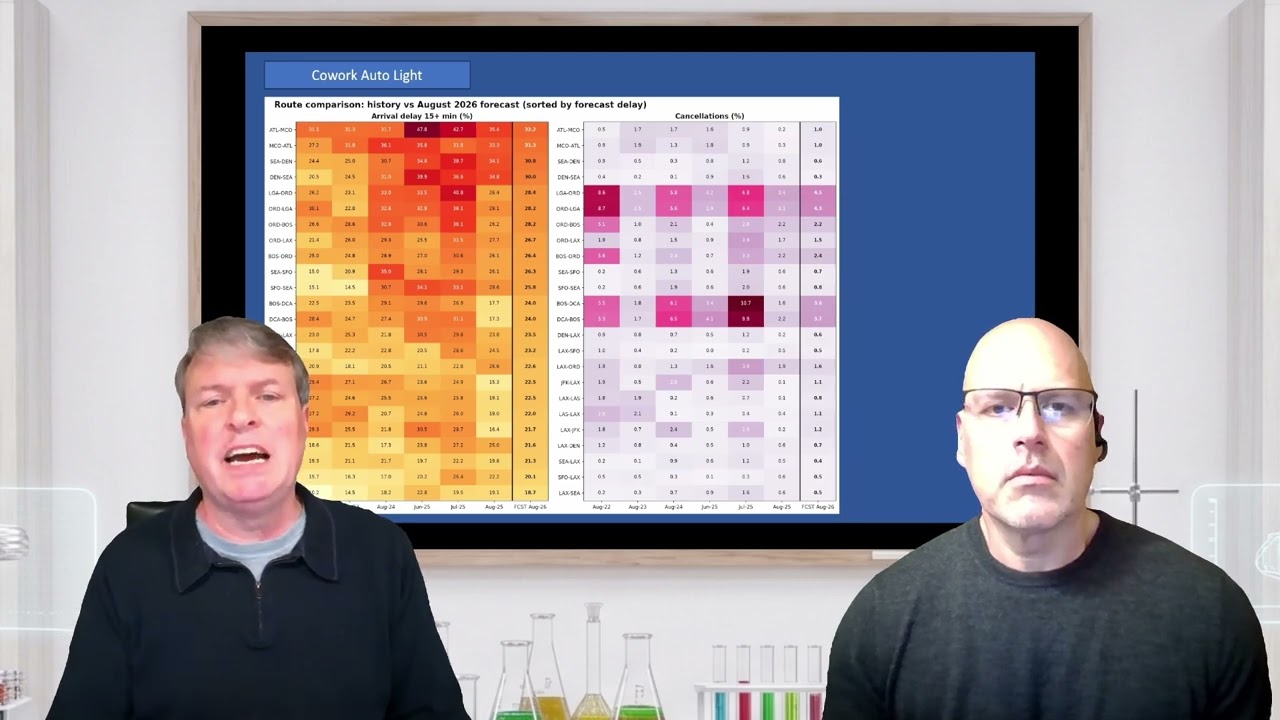
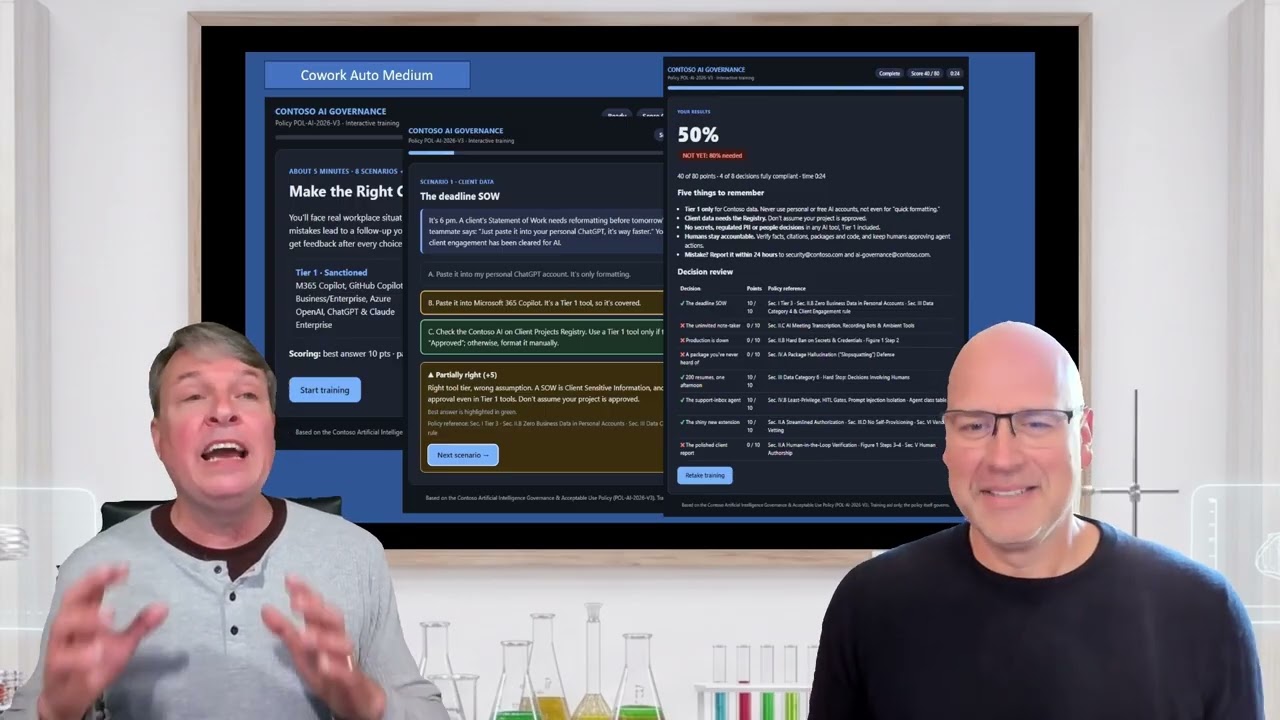
What happens when you combine Microsoft Copilot and Cowork? After eight episodes of Calibrating Copilot, Dino Caputo and I know the two tools have different strengths: Copilot is fast and relatively inexpensive, while Cowork often delivers more sophisticated analysis and polished results, at a higher cost in time and AI credits. In Episode 9, we tested whether combining them could deliver the best of both.
The challenge: eight years of Microsoft Ignite in 12 slides
We gave both tools Microsoft's Ignite Books of News from 2019 through 2026 and asked for a 12-slide deck for enterprise IT and business leaders: eight slides summarizing the 2026 announcements and four analyzing how Microsoft's priorities have shifted since 2019. Citations were required, sources were restricted to the supplied documents, and inventing missing information was off-limits.
The tool you start with matters
Cowork improved the readability of Copilot-built decks, fixing overlapping text and questionable colour choices. But a Copilot deck polished by Cowork was generally not as good as one Cowork created from the start.

Cowork also produced better analysis. Asked to show how Microsoft's messaging evolved, Copilot assigned subjective scores from zero to three; Cowork counted term frequency per 10,000 words, showing agents surging to roughly 216 mentions per 10,000 words in 2026, Teams declining, and security holding steady. You can't always fix a weaker analysis with prettier formatting.

More AI doesn't necessarily mean better AI
Copilot occasionally strayed outside the supplied sources. Cowork respected the restrictions better, but when Dino asked it to fact-check an already accurate deck, it deleted two correct items. A useful pattern emerged: use Copilot to produce a fact-checking report on a Cowork deck before changing anything. In my test it flagged eight issues, including the point that our "eight Ignite conferences" were really eight years, since Microsoft held two Ignites in 2021. Of course, AI fact-checks need checking too.
Medium may be the sweet spot
Dino's Cowork Medium run used just 878 AI credits and about 21 minutes to produce a 4.5 out of 5 result. A Copilot-to-Copilot-to-Cowork workflow took about 30 minutes, used 2,017 credits and scored 4 out of 5. My Cowork Max run took almost an hour and roughly $25.78 in credits, and also scored 4.5; I actually preferred parts of Dino's Medium output. More expensive AI isn't necessarily more valuable AI.

So, should you combine Copilot and Cowork?
Sometimes, but the order matters. For research-heavy, visually sophisticated decks, our recommended workflow is:
Start with Cowork Medium for the initial analysis and presentation.
Use Copilot for independent review, asking it to identify issues rather than immediately changing the deck.
Make targeted refinements, checking that corrections don't introduce new problems.
Reserve extra Cowork runs or higher effort settings for when the improvement justifies the credits and time.
Be explicit, too: both tools initially reinterpreted our eight Book of News sections as the "eight most important themes," and an instruction to use only the supplied sources can't be assumed to have been followed. These are results from our tests, not universal benchmarks; the tools are changing week to week.
Stop buying AI. Start calibrating it.
The value of AI depends on choosing the right tool, effort level and workflow for each task. Across an organization with hundreds or thousands of employees, those choices add up. That's why we created EnableUC's Copilot Calibration service: we help organizations match AI capabilities to actual usage and work requirements, rather than defaulting to one-size-fits-all licensing.
This post summarizes my original LinkedIn article, which includes more detail, additional visuals and the full test results. Read the full piece and join the discussion on LinkedIn.